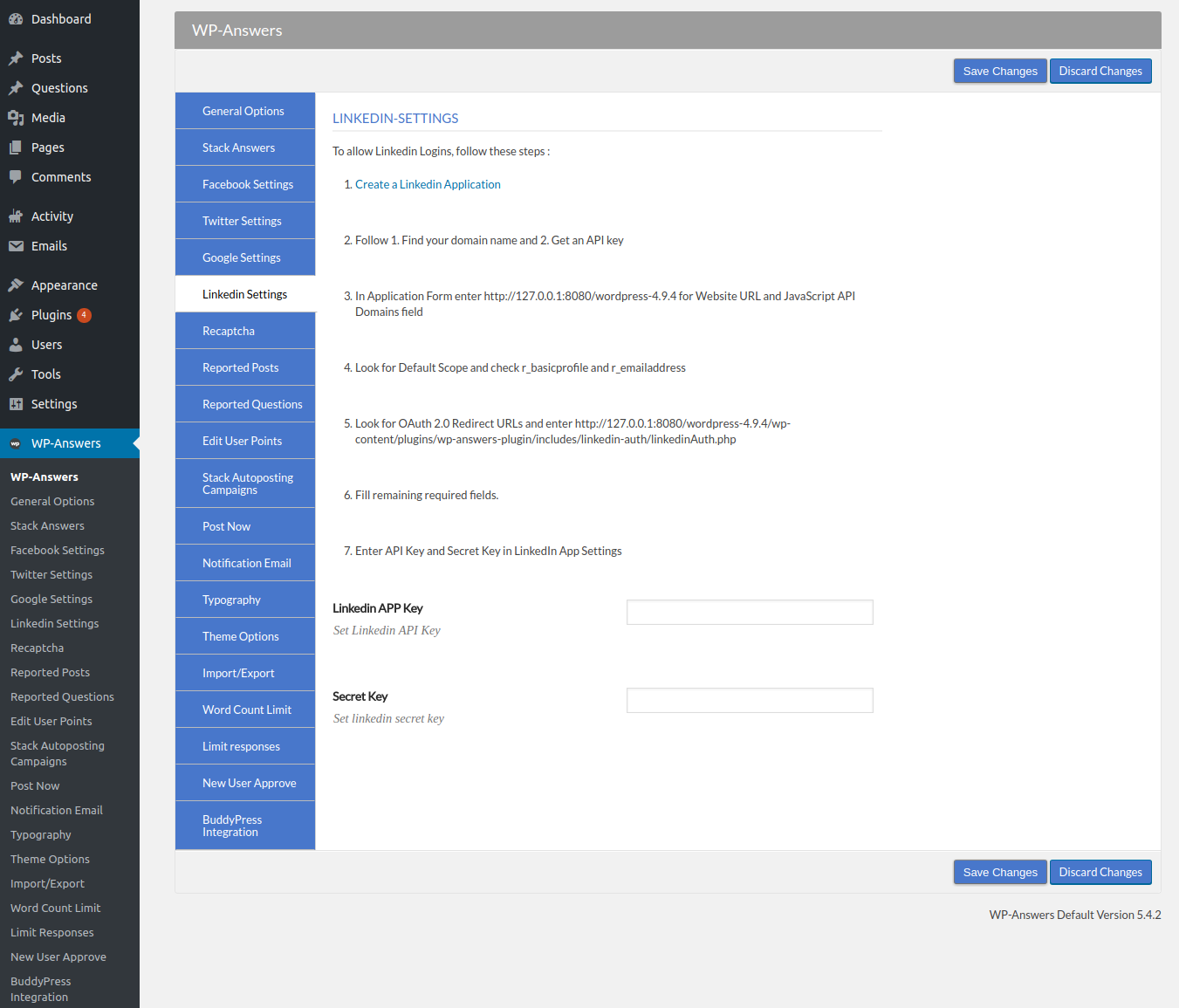

This page explains the settings to allow your users to login using LinkedIn.
To allow LinkedIn Logins, follow these steps :
- 1.Create a LinkedIn Application
- 2.Find your domain name and Get an API key
- 3.In Application Form enter Website URL and JavaScript API Domains field
- 4.Look for Default Scope and check r_basicprofile and r_emailaddress
- 5.Look for OAuth 2.0 Redirect URLs.
- 6.Fill remaining required fields.
- 7.Enter API Key and Secret Key in LinkedIn App Settings